
01
People and companies
People and organizations with addresses, contact details, descriptions, groups and mutual relationships.


REGISTERS:
ENTITIES - FINANCE - NOTES - TASKS
RESOURCES - ITEMS - VEHICLES - FUELING - ROUTES - VALUATIONS
One base for everyday matters
mylifebase connects registers for people and companies, finances, notes, tasks, possessions and vehicles. Categorize, filter and link information so the full context stays available in one configurable workspace.
Every area under control
Each module organizes a different area, but none works in isolation. Information can be searched, filtered, categorized and connected with the other registers.
01
People and organizations with addresses, contact details, descriptions, groups and mutual relationships.
02
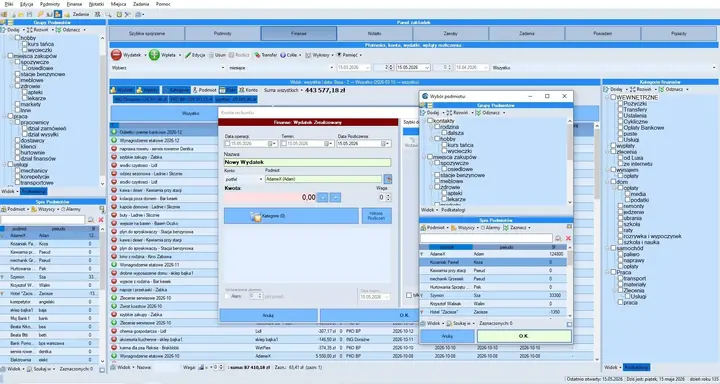
Completed and planned expenses and income, accounts, transfers, loans, recurring entries and summaries.
03
Content assigned to categories and contacts, with search, sorting and reminders.
04
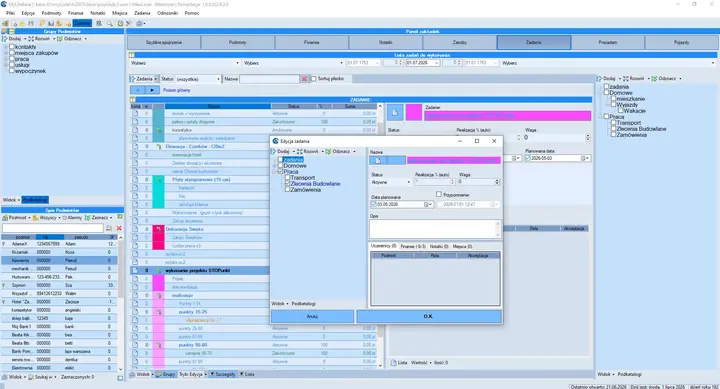
Tasks and multi-level subtasks with status, progress, priority, due dates and reminders.
05
An inventory of owned items, their details, storage locations and a history of loans and returns.
06
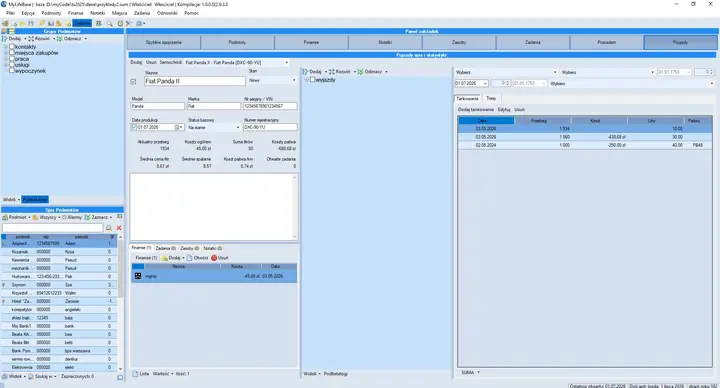
A vehicle register with routes, fuel stops, costs, fuel quantities and price-per-litre records.
07
Build estimates from custom or saved price-list items and automatically calculate their total value.
08
A register of locations for physical items, data, documents and directories with access to their contents.
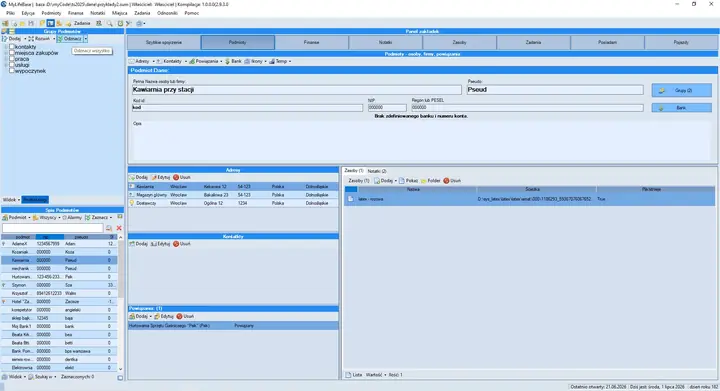
People, companies and full context
A person or company record stores identifying details and provides direct access to all related information.
Current and planned finances
Record income and expenses across multiple accounts, plan future settlements and analyze exactly the range of data you need.
Planning with full context
Create detailed task and subtask trees, monitor completion and move directly to the data required to get the work done.
One way of working
Shared organization tools help you reach the right information quickly, regardless of the module you are using.
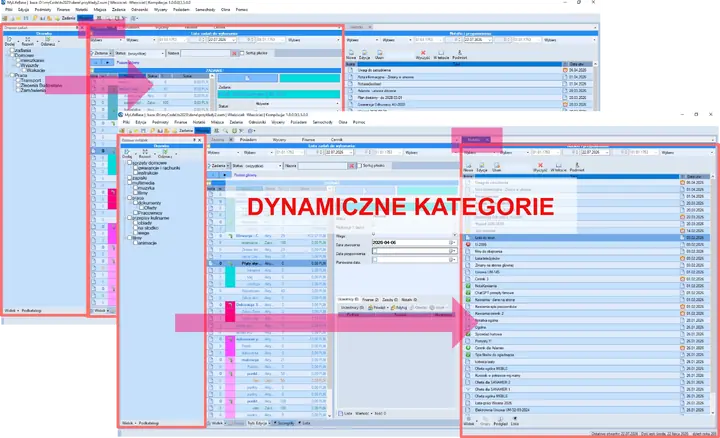
Build category and subcategory trees, move items between them and filter registers by selecting relevant branches.
Sort lists and narrow results by content, dates, categories, contacts, statuses and module-specific attributes.
Move between related contacts, tasks, notes, financial entries and resources without losing context.
Arrange modules in dockers and adapt the workspace to the current task and your preferred way of working.
Latest release
New features, bug fixes and technical changes are published in one place.
Open the download page and select the version for your operating system.
Za Twoją zgodą używamy Google Analytics, aby mierzyć sposób korzystania z serwisu i go ulepszać. Zgodę możesz w każdej chwili zmienić.
Dowiedz się więcej w polityce prywatności.